Horikawa Busy Cart Robot (Blender)
September 26, 2026
Study: George’s Gretsch (Illustrator)
October 2, 2026
on
Horikawa Busy Cart Robot (Blender)
September 26, 2026Study: George’s Gretsch (Illustrator)
October 2, 2026Horikawa Busy Cart Robot (Blender)
September 26, 2026Study: George’s Gretsch (Illustrator)
October 2, 2026I hardly spend any time on social media but I do have an Instagram account, where over the years I’ve discovered and followed dozens of talented and inspiring illustrators and designers. One fresh design trend “the algorithm” has been feeding me in recent months (no doubt based on my viewing habits) is the work of Blender artists who synthesize organic 2D illustration techniques into their 3D designs to impressive effect. This look is typically achieved by using flat 2D ‘toon’ shaders and Blender’s Grease Pencil for natural media drawing across 2D and 3D space
Conceptually I understood how these techniques combined to work so well together, but I didn’t know the recipes for setting them up from scratch in my files. I’ll often sign up for courses on Udemy to learn new feature categories (like character modeling or rigging), but in this case it seemed like overkill, since I just wanted to learn this specific setup in Blender. Enter YouTube. Matthew Fryer hosts TipTut, a channel where he publishes bite-sized courses covering techniques for a variety of design and media apps, including Blender, Creative Cloud, and more. His 39-minute course for modeling and embellishing these mushrooms (inspired by art from Zelda: The Minish Cap) was exactly what I was looking for. It was concise while providing the right amount of the “why” alongside the “how,” making it easy for me to internalize how to incorporate these techniques into my own projects. Thank you for teaching me how to fish Matthew, I’m excited to put these new skills to work.
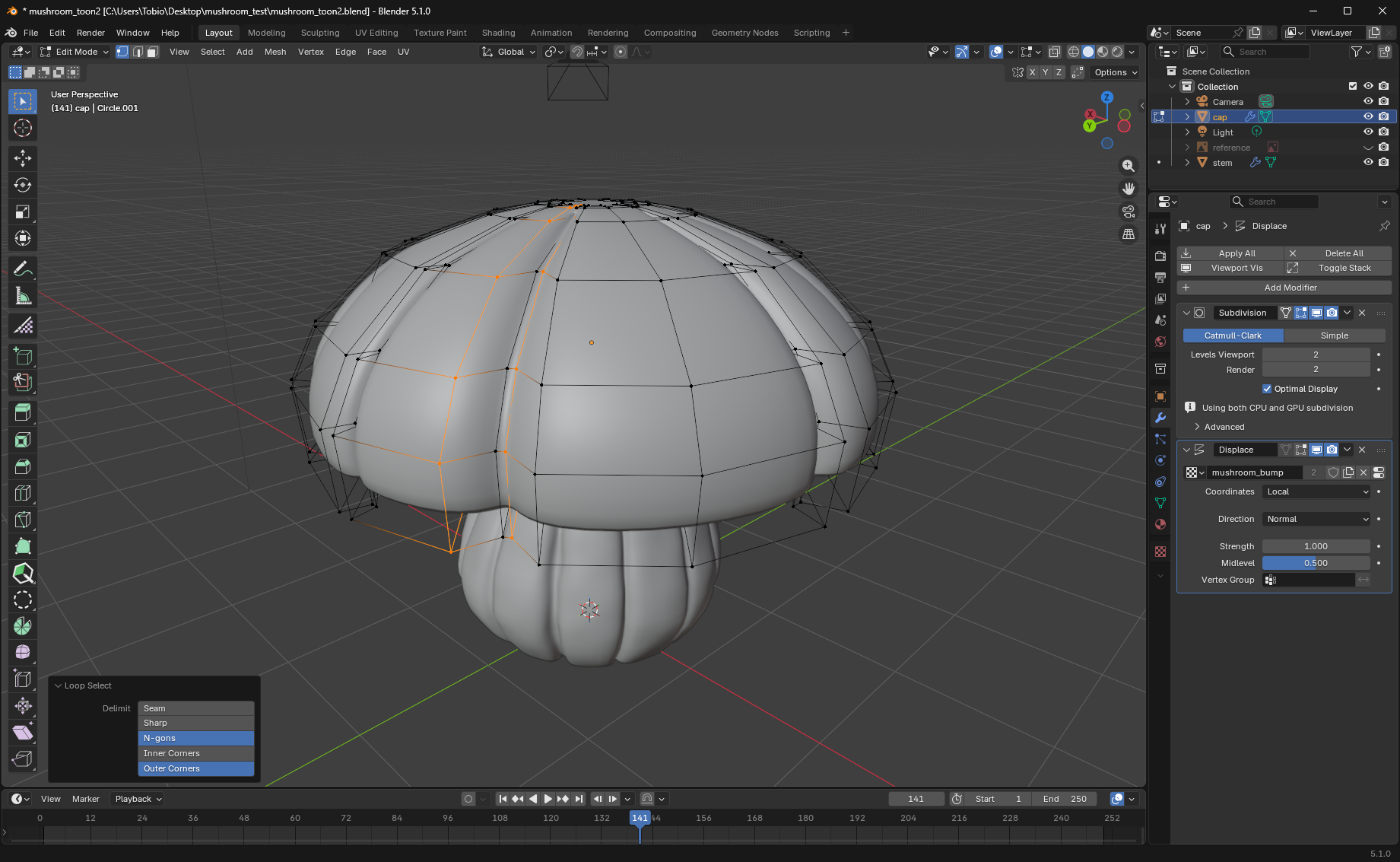
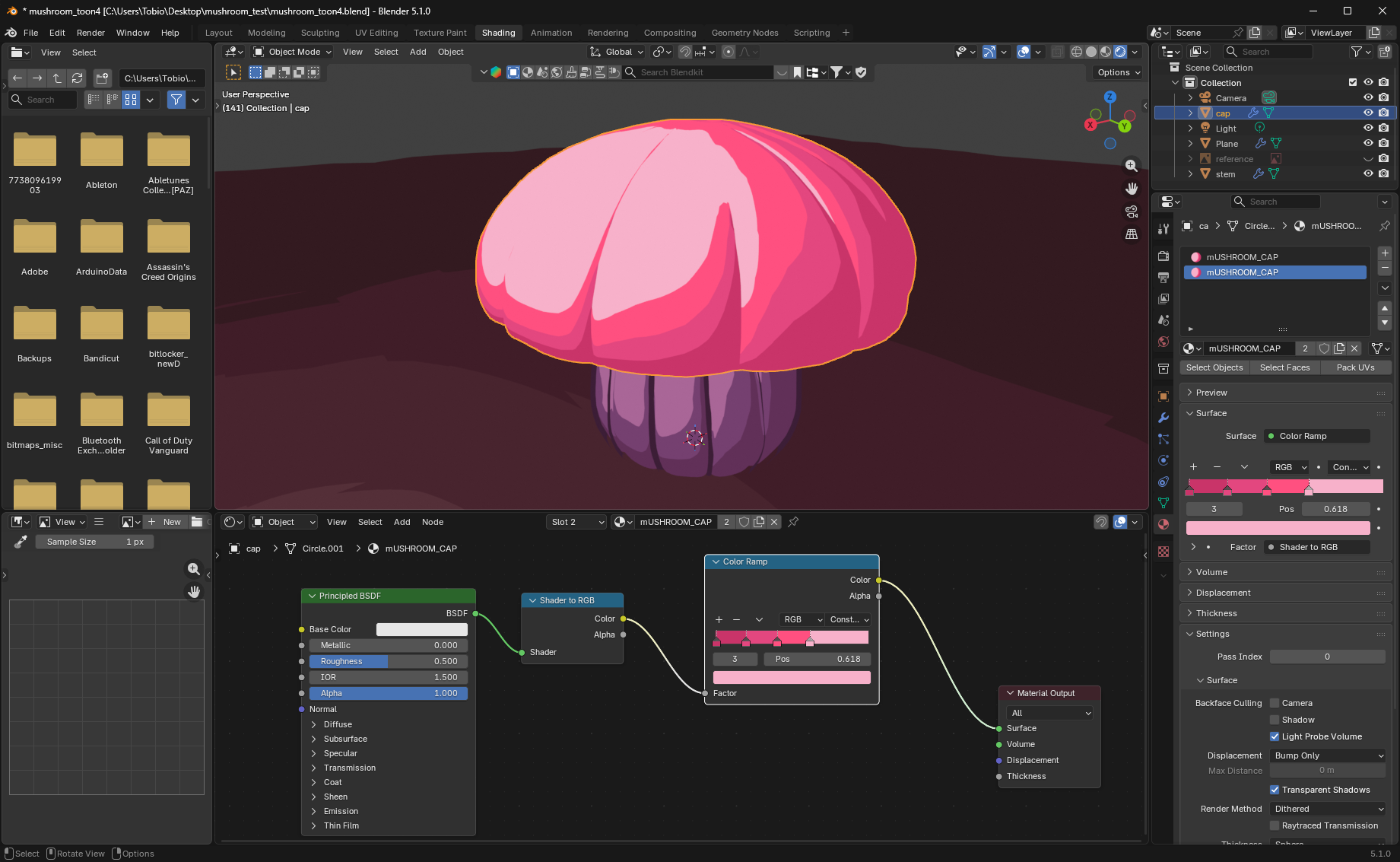
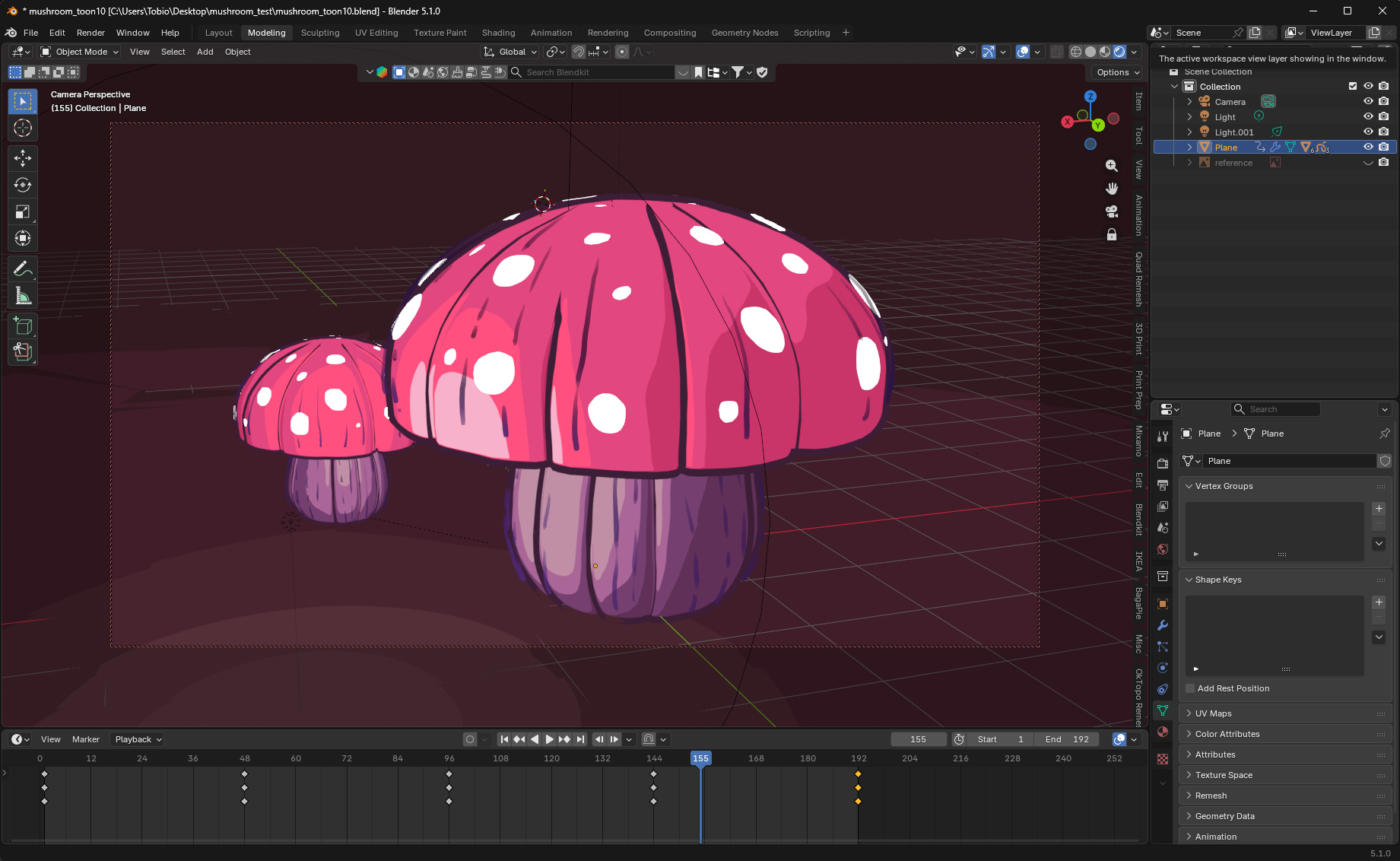
Left to right: modeling in Blender; building the toon shader; animating a scene after applying the Grease Pencil.